
At Infitar IT Solutions, we help businesses automate their work with expert Zoho consulting, customization, integration, and implementation services. With 11+ years of experience, we’ve completed 1,000+ projects for 500+ happy clients across 20+ countries, helping businesses save time, improve workflows, and grow with Zoho.
We have worked with some nonprofit organizations, and they often ask us about choosing the right online form builder. This article compares several form builders commonly considered by nonprofit organizations.
What Is an Online Form Builder?
An online form builder is a tool that lets people create forms easily without any coding knowledge. It is like a simple drag and drop system where you can add questions, boxes, buttons and other things to make a form according to your need. These forms can be used for many purposes like collecting information, getting feedback, or taking donations.
Nonprofits use it for collecting donations, event registration, volunteer sign-up, and getting feedback from the community, which saves their time and reduces paperwork.
Some nonprofit-focused platforms include donation, receipt, and CRM features that general-purpose tools may not include by default.
Quick Comparison Table of Online Form Builders
| Platform | Best For | Add-ons Needed? | Platform Type | Pricing |
| PaymentForm.io | All-in-one payments – donations, e-commerce, event tickets, memberships, and more in one tool | No website, hosting, or extra tools needed – works completely independently | Standalone SaaS – hosted, no website required, share via link | Free plan available, Pro at $5/month. 0% platform fee. |
| Jotform | Deploying many different form types quickly – hundreds of nonprofit-specific templates | Zapier/integrations often needed for advanced workflows | SaaS – fully cloud-hosted, browser-based form builder | Free plan available, Paid plans start from $234/year. 50% nonprofit discount. |
| Zoho Forms | Nonprofit data collection, registrations, donations, approvals, and Zoho app workflows | Basic forms may not need add-ons, but paid plans may be needed for higher limits, payment gateways, approvals, branding, HIPAA, encryption, and advanced controls | SaaS – cloud-based form builder with shareable links, website embed, and mobile app options | Free plan available, Pricing start form $10/month |
| Donorbox | Full donation lifecycle – embeddable forms, recurring giving, peer-to-peer, and built-in donor CRM | Some add-ons (Text-to-Give, Mailchimp, Salesforce) cost extra monthly | SaaS – cloud-hosted, embeddable donation widgets and standalone pages | Standard: Free with platform Fees between 2.95% and 3.95%. Pro Plan starts from $150 and platform Fees between 1.75% and 2%. |
| Google Forms | Internal surveys, volunteer feedback, and programme evaluation at zero cost | Free but has no payment processing – needs third-party paid add-ons for payments | Free Web App (SaaS) – part of Google Workspace ecosystem, browser-based | Free with a Google account. Workspace plan may apply for organizational accounts. |
| Bit Form | Lightweight WordPress form builder with payments, conditional logic, 52+ integrations | No addons needed – all features included in every paid tier | WordPress Plugin – self-hosted, requires an existing WordPress site | Free plan available, Pricing start form $25/Year |
| Givebutter | Modern fundraising – donation forms, event ticketing, peer-to-peer, and social sharing | Relies on Zapier for most integrations | SaaS – cloud-based nonprofit fundraising platform | Free fundraising tools available. Givebutter Plus starts at $29/month or $348 billed annually. |
| Cognito Forms | Budget powerhouse – payments, calculations, e-signatures, HIPAA compliance on a generous free tier | Most features built in natively | SaaS – cloud-hosted, embeddable or standalone forms | Free plan available. Pro starts at $19/month. |
| Paperform | Lead gen, payments, bookings, and quizzes where the form is part of the brand experience | Most integrations built in; Zapier available | SaaS – cloud-based, fully hosted form and landing page builder | Free plan available. Essentials is listed at $24/month billed annually, or $288/year. |
| Typeform | Conversational one-question-at-a-time format – feels like a conversation, not a form | Stripe payments only on paid plans ($29/month+); no multi-gateway support | SaaS – cloud-based, embeddable or hosted conversational forms | Basic pricing start from $28/month |
| Gravity Forms | WordPress nonprofits needing forms, donations, registrations, applications, surveys, and custom workflows | No addons needed – all features included in every paid plan | WordPress plugin – self-hosted form builder | Basic pricing start form $59/year |
Top Online Form Builders for Nonprofit Organizations
PaymentForm.io
PaymentForm.io can be used when a nonprofit wants to collect payments without building a full website. The organization can create a form and share it through a link, email, social media, WhatsApp, or a campaign page. This can be useful for donation campaigns, fundraising drives, event ticket sales, product payments, and membership fees.
Its key features include shareable payment forms, embedded forms, invoice builder, custom domain, QR code generator, coupon options, custom thank-you pages, analytics, webhook, Google Analytics, Meta Pixel, and abandoned form recovery.
It supports payment gateways such as Stripe, PayPal, Razorpay, Mollie and more. Before using it, nonprofits should check gateway availability in their country, transaction fees from the payment provider, recurring payment setup, and which features are included in each plan.
Jotform
Jotform can be used when a nonprofit needs many types of forms in one place. It is not only for donations. A nonprofit can create volunteer applications, event registration forms, waiver forms, contact forms, feedback forms, surveys, donation forms, and internal approval forms.
Its key features include a drag-and-drop form builder, nonprofit templates, conditional logic, payment integrations, PDF tools, e-signature forms, approval workflows, and data collection tools. Jotform also supports one-time and recurring payments through many payment gateways. This makes it useful for teams that need different form types, not only fundraising forms. Nonprofits should check submission limits, storage limits, payment limits, and plan pricing before choosing it.
Zoho Forms
Zoho Forms can be used for nonprofit registrations, donation forms, surveys, feedback forms, applications, and internal requests. It is also useful when an organization already uses Zoho apps such as Zoho CRM, Zoho Books, Zoho Campaigns, Zoho Sheet, Zoho Sign, or Zoho Analytics.
Key features include drag-and-drop form building, templates, multi-page forms, file uploads, payment fields, custom PDFs, approvals, reports, webhooks, email notifications, QR code sharing, website embed, and mobile forms. It supports payment gateways such as Stripe, PayPal, Razorpay, Authorize.Net, Square, Paystack, and Zoho Checkout.
Nonprofits should check submission limits, storage, user limits, payment submission limits, branding, and security features before choosing a plan.
Donorbox
Donorbox can be used when a nonprofit needs fundraising tools instead of only basic forms. It is more focused on donation management and donor activity. A nonprofit can use it for donation pages, recurring donations, crowdfunding campaigns, peer-to-peer fundraising, event ticketing, memberships, text-to-give, and donor management.
Its key features include donation forms, donor portal, recurring giving, fundraising pages, peer-to-peer campaigns, membership options, CRM tools, and donor records. It can also allow donors to cover some fees during the donation process.
Donorbox may be useful for nonprofits that want to manage donors and fundraising campaigns in one system. Before choosing it, nonprofits should check platform fees, payment processing fees, paid add-ons, and which features are included in the selected plan.
Google Forms
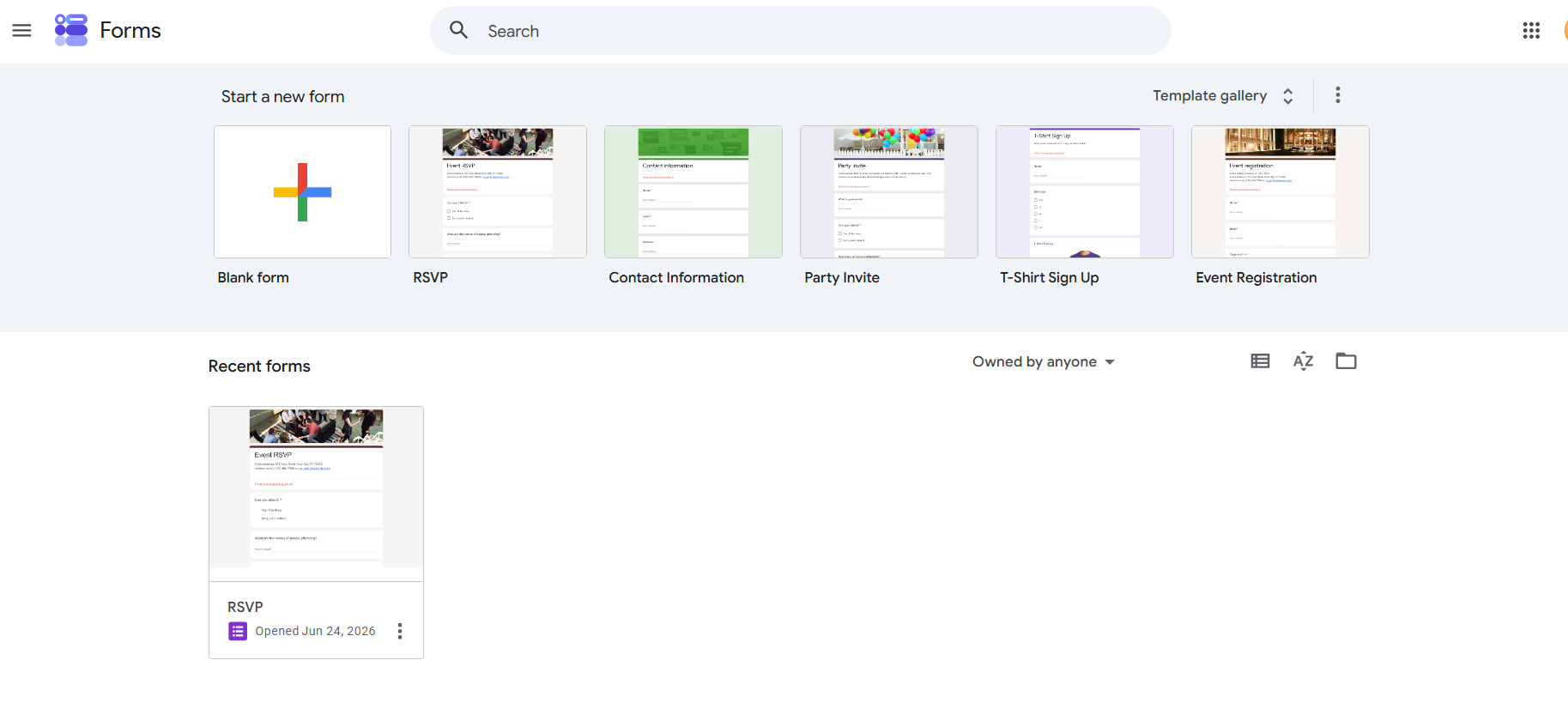
Google Forms can be used when a nonprofit needs a simple way to collect information. It works well for surveys, volunteer sign-up forms, event RSVPs, feedback forms, quizzes, and internal reports.
A nonprofit can share a form by link, email, or website embed. Responses can be viewed inside Google Forms or sent to Google Sheets for better tracking. This is useful when a small team wants to organize responses without using a complex tool.
Key features include different question types, basic logic, quiz settings, response charts, collaboration, and Google Sheets connection. The main limitation is payment collection. Google Forms does not have built-in donation or ticket payment features, so nonprofits need a separate payment link or third-party add-on.
Bit Form
Bit Form can be used by nonprofits that already have a WordPress website. It allows the organization to create and manage forms from the WordPress dashboard. A nonprofit can use it for contact forms, donation forms, payment forms, event registration forms, order forms, file upload forms, and multi-step forms.
Its key features include conditional logic, calculations, multi-step forms, file uploads, email notifications, payment fields, PDF support, form abandonment, and integrations. Bit Form Pro supports payment forms with PayPal, Stripe, Razorpay, and Mollie.
This can be useful when the nonprofit wants more control over its website and form data. However, the organization also needs to manage hosting, plugin updates, backups, security, and possible WordPress plugin conflicts.
Givebutter
Givebutter can be used when a nonprofit wants to manage fundraising activities in one place. It is useful for donation pages, fundraising campaigns, event ticketing, auctions, peer-to-peer fundraising, recurring donations, and supporter management.
A nonprofit can create a campaign page, collect donations, sell tickets, allow supporters to raise money, and manage donor records from the same system. This can help teams that do more than simple form collection.
Key features include donation forms, fundraising pages, donor CRM, events, auctions, recurring donations, mobile app, text-to-donate, integrations, and donor engagement tools. Givebutter can have 0% platform fees when donor tips are enabled, but standard fees may apply if tips are turned off. Nonprofits should check how tips, payment processing, and donor fee coverage work before using it.
Cognito Forms
Cognito Forms can be used when a nonprofit needs more advanced forms than basic surveys. It is useful for applications, registrations, order forms, donation forms, multi-step forms, approval workflows, and forms that need calculations.
A nonprofit can use Cognito Forms to collect detailed information, accept payments, generate documents, manage entries, and build workflows. It can be helpful when forms need logic, repeating sections, file uploads, signatures, or internal review steps. But It’s not support recurring billing directly. Recurring payments can be set up through Stripe or Square using Card on File.
Key features include conditional logic, calculations, repeating sections, multi-page forms, file uploads, electronic signatures, document generation, workflow tasks, entry management, and payments through Stripe, PayPal, or Square. Cognito Forms also includes security and compliance features, but organizations handling sensitive data should check the plan requirements before using it.
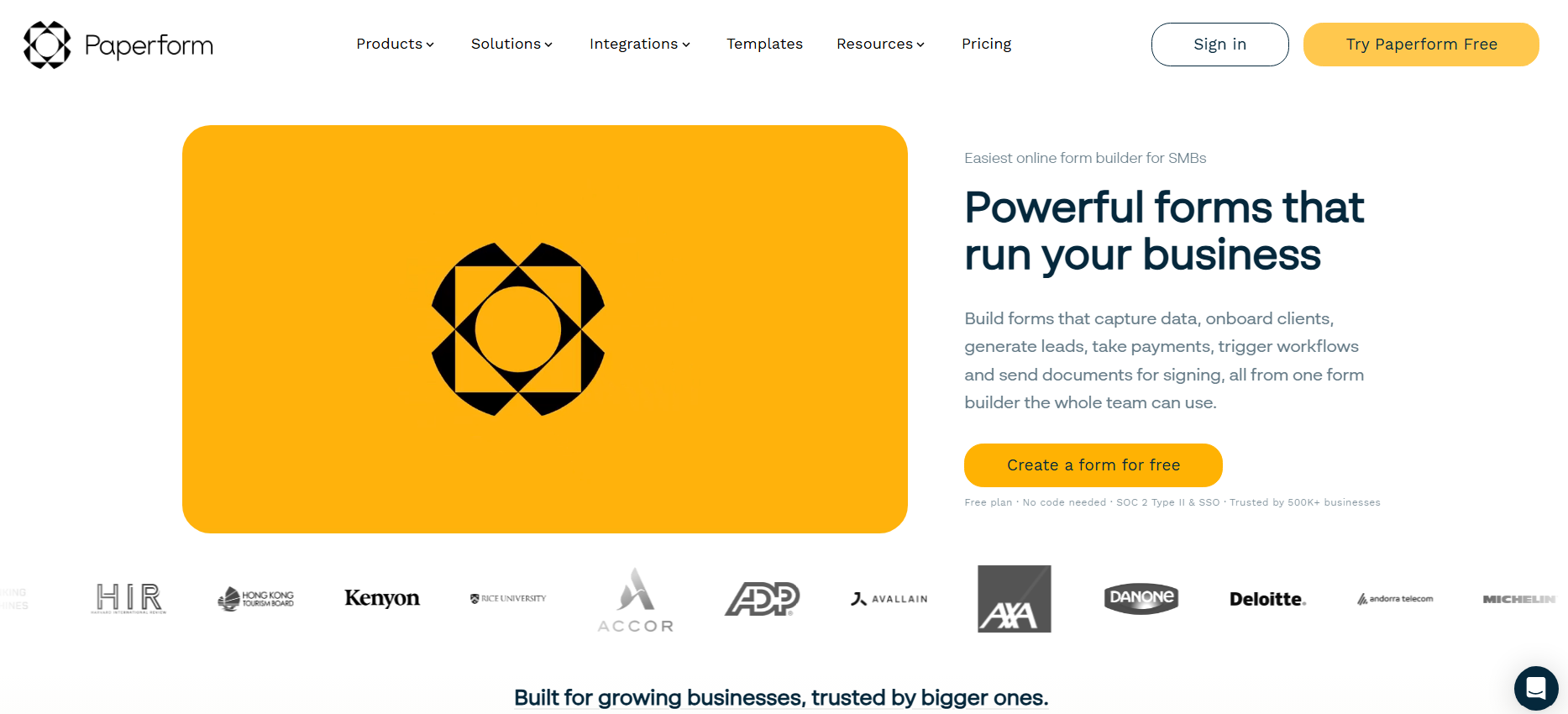
Paperform
Paperform can be used when a nonprofit wants forms that look more like landing pages. It is useful for event registration, donation forms, order forms, appointment forms, quizzes, surveys, and campaign forms where design matters.
A nonprofit can use Paperform to create a branded form page, collect payments, book appointments, ask conditional questions, and send data to other tools. This can be helpful for campaigns where the form needs to explain the cause, collect information, and guide the user through a clear process.
Key features include unlimited forms on paid plans, payment forms, booking forms, calculator forms, subscription forms, conditional logic, scoring, guided mode, integrations, custom branding options, and analytics. Nonprofits should check submission limits, payment submission limits, branding options, and pricing before choosing a plan.
Typeform
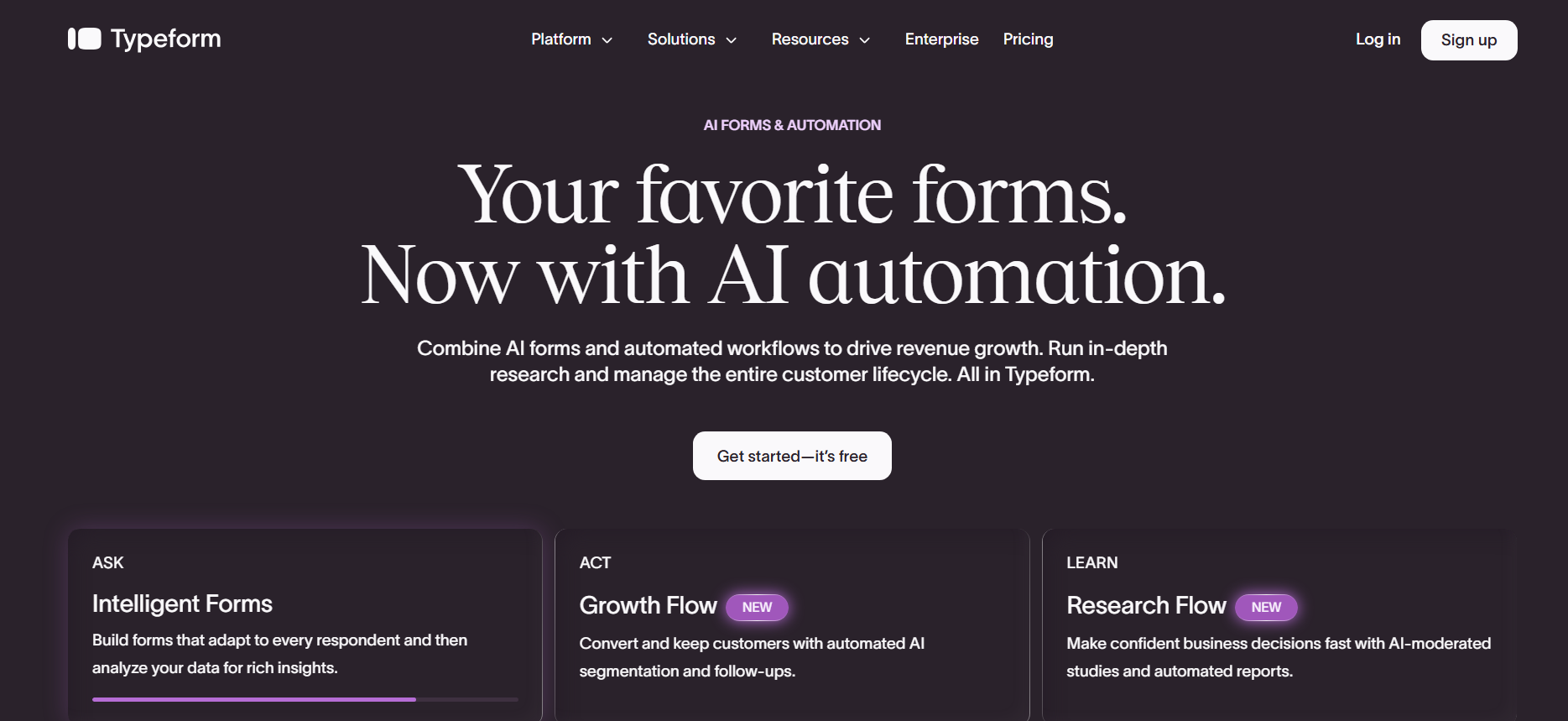
Typeform can be used when a nonprofit wants a more interactive form experience. It works well for donor surveys, volunteer applications, feedback forms, event forms, quizzes, research forms, and campaign questionnaires.
A nonprofit can use Typeform to ask one question at a time, personalize the next question with logic, collect responses, connect data to other tools, and accept payments through Stripe. This style can be useful when the form needs to feel more like a conversation.
Key features include interactive forms, templates, conditional logic, AI form creation, integrations, Stripe payments, analytics, custom branding on higher plans, and response tracking. The main points to check are monthly response limits, payment feature availability, branding limits, and plan cost.
Gravity Forms
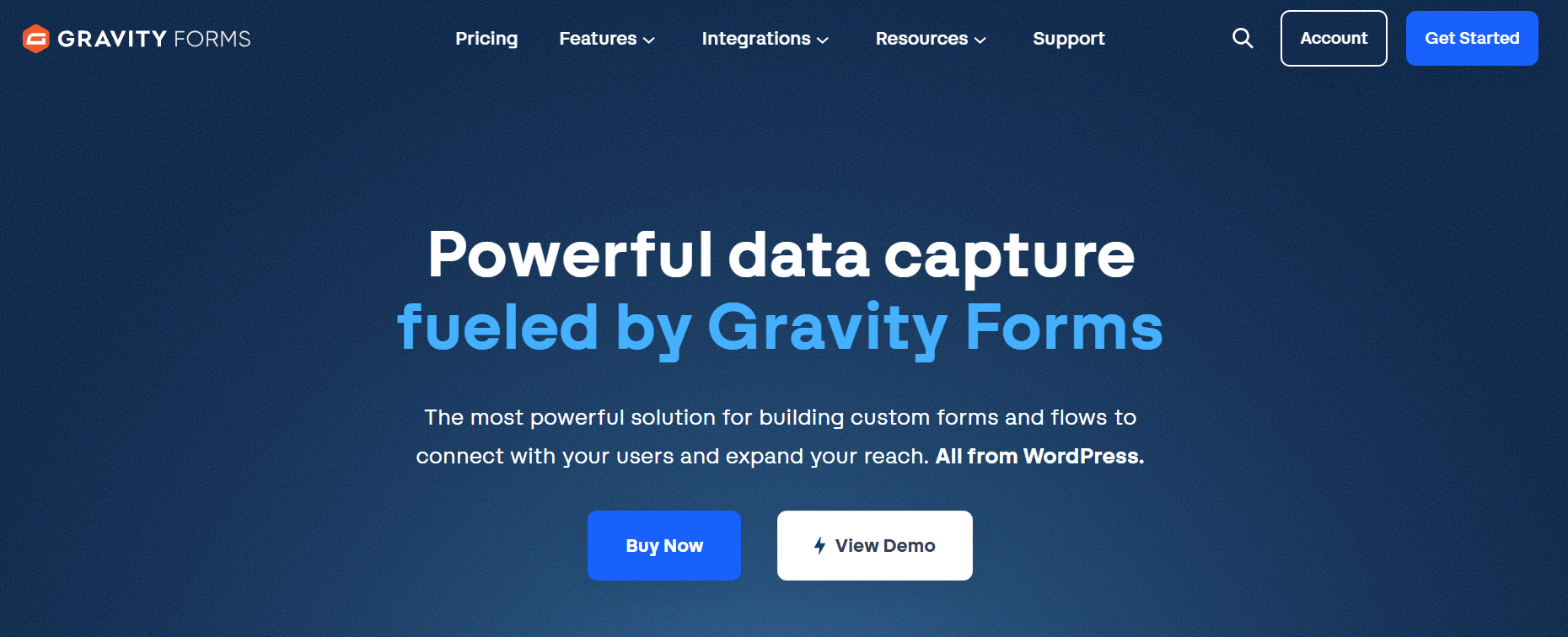
Gravity Forms is a WordPress form builder that nonprofits can use for donation forms, volunteer applications, event registrations, surveys, membership forms, and payment collection.
Its key features include drag-and-drop building, conditional logic, multi-page forms, file uploads, calculations, email routing, entry management, and integrations. Payment add-ons support services like Stripe, PayPal, and Square.
It is useful for organizations that need custom forms inside WordPress. However, nonprofits should consider license costs, required add-ons, WordPress maintenance, and hosting management before choosing it.
Common Mistakes When Choosing a Form Builder
Avoid these common errors to save time, money, and frustration later.
- Choosing the cheapest tool without checking payment features, receipts, or reporting.
- Ignoring platform fees, payment processor fees, add-ons, annual billing, and submission limits.
- Using a WordPress plugin without planning for updates, backups, hosting, and security.
- Choosing a complex fundraising platform when the nonprofit only needs a simple internal form.
- Forgetting to test the form on mobile devices before sharing it with donors or volunteers.
- Publishing a donation form without a clear thank-you message, confirmation email, or receipt process.
- Collecting more personal data than the organization actually needs.
Tips for Creating High-Converting Nonprofit Forms
Use these best practices to make your forms easier to complete and more effective.
- Keep the form short. Remove fields that are not needed for the next step.
- Use simple labels and clear instructions.
- Place the main action near the top, such as Donate, Register, Join, or Volunteer.
- Offer common donation amounts and include a custom amount option.
- Add a short impact line so donors understand how their gift helps.
- Show secure payment notes and use recognizable payment options when possible.
- Send an instant thank-you message and receipt after a donation or registration.
- Review form analytics, drop-offs, and incomplete submissions to find friction points.
Final Words
Choosing the right online form builder for a nonprofit depends on the organization’s main need, budget, website setup, and payment requirements.
For donation collection, fundraising campaigns, event ticketing, and payment forms, nonprofits should compare tools that support secure payments, recurring donations, receipts, and easy sharing options.
If the nonprofit already uses WordPress, a WordPress form plugin can be useful for creating donation forms, volunteer forms, event registration forms, and contact forms directly on the website. The final choice should also consider maintenance, updates, backups, and website security.
For simple surveys, volunteer feedback, internal reports, or basic registrations, Google Forms can still be useful. However, it is not ideal for direct donation collection because it does not include built-in payment processing. A third-party add-on or separate payment link may be needed.
The best form builder is not always the most popular one. A better choice is the tool that fits the nonprofit’s daily workflow, technical ability, payment needs, and long-term cost.
FAQs
Which forms are affordable and rich in features for nonprofit organizations?
PaymentForm.io, Givebutter, Zoho Forms and Donorbox are useful options for nonprofits.
Can WordPress websites be used for nonprofit organizations?
Yes, WordPress can be used for nonprofit websites. Nonprofits can create donation pages, volunteer forms, event registration forms, contact forms, and campaign pages. Tools like Bit Form, WPForms, Gravity Forms, GiveWP, and other plugins can help collect donations through supported payment gateways.
Which platform supports recurring donations?
PaymentForm.io, Donorbox, Givebutter, and Jotform support recurring donations or recurring payments, depending on the setup.
Is Google Forms good for nonprofits?
Google Forms is good for simple tasks like surveys, volunteer feedback, registrations, and internal reports. However, it is not ideal for donation collection because it does not include built-in payment processing. For donations, nonprofits may need a separate payment link or another fundraising tool.
What should nonprofits check before choosing a donation form builder?
Nonprofits should check supported payment gateways, recurring donation options, transaction fees, platform fees, receipt tools, CRM or spreadsheet integrations, mobile experience, data export, security features, accessibility, and total cost. A short test campaign can help reveal issues before the form is used publicly.