Abdul Kader

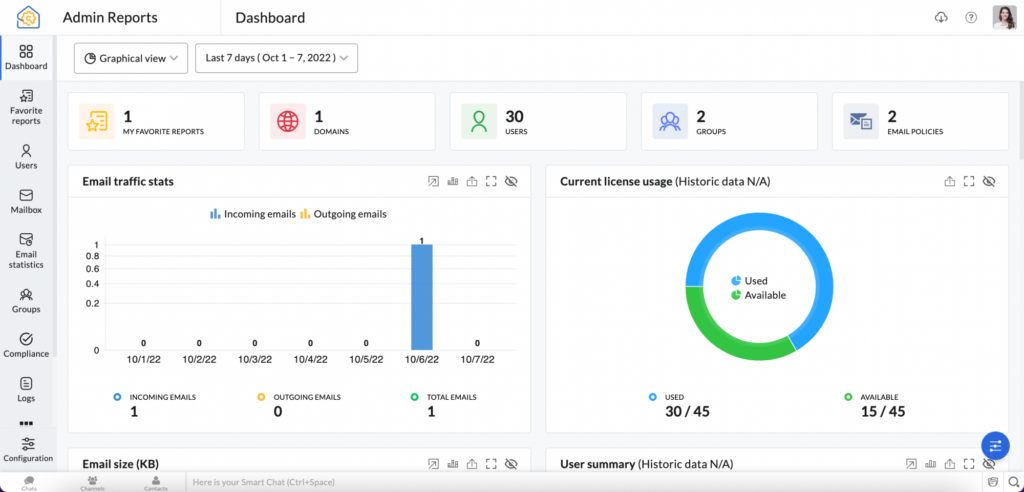
Admin Reports – Email Statistics

Zoho Mail has a separate Admin Reports section which comprises statistics on various aspects of your organization’s emailing experience. As an administrator, these reports will help you gain information on all aspects of your organization such as Mailbox, Email Traffic, Email Distribution Groups, DMARC status to mention a few. Table of Contents Accessing Admin Reports Admin Reports Dashboard Graphical View Summary […]

Admin Reports – Email Statistics Read More »
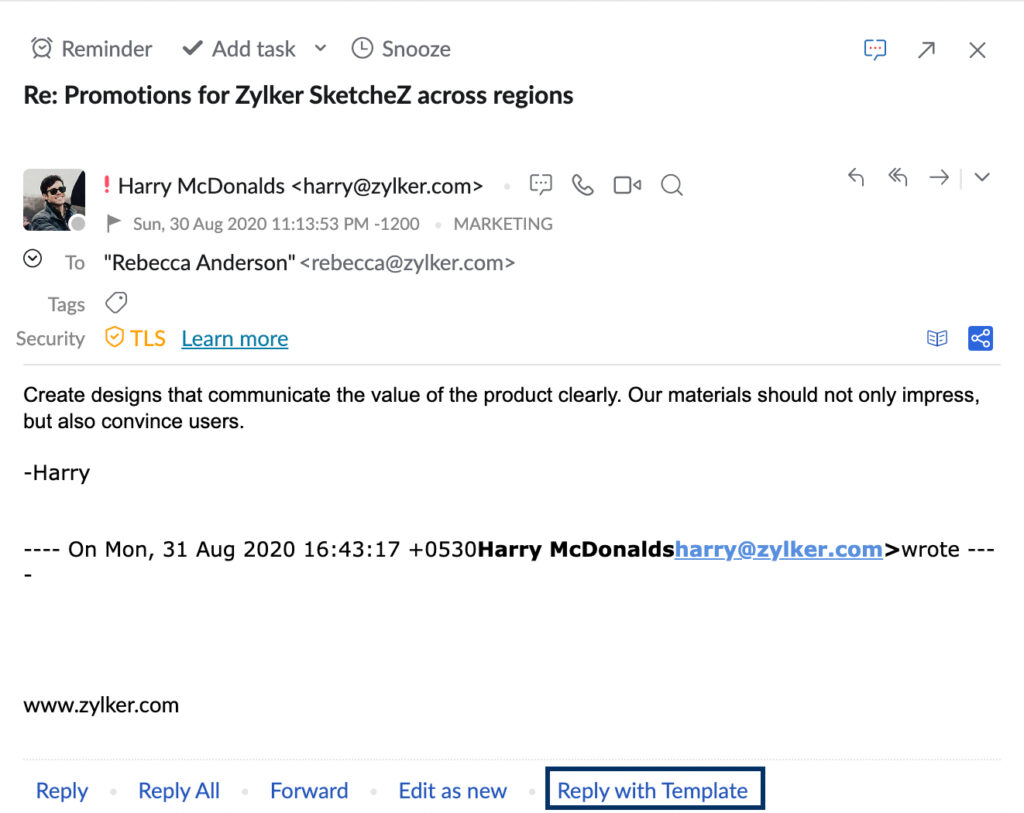
Creating Templates In Email Composer In ZOHO MAIL

Using Templates Table of Contents Creating Templates Creating Templates in Email Composer: Via Save Draft Creating Templates in Email Composer: Via Insert Template Creating Templates from Templates folder Categorizing Templates from Email Composer Modifying the saved Templates Inserting Templates Reply with template CRM Templates You can use templates to send emails in a predefined format

Creating Templates In Email Composer In ZOHO MAIL Read More »

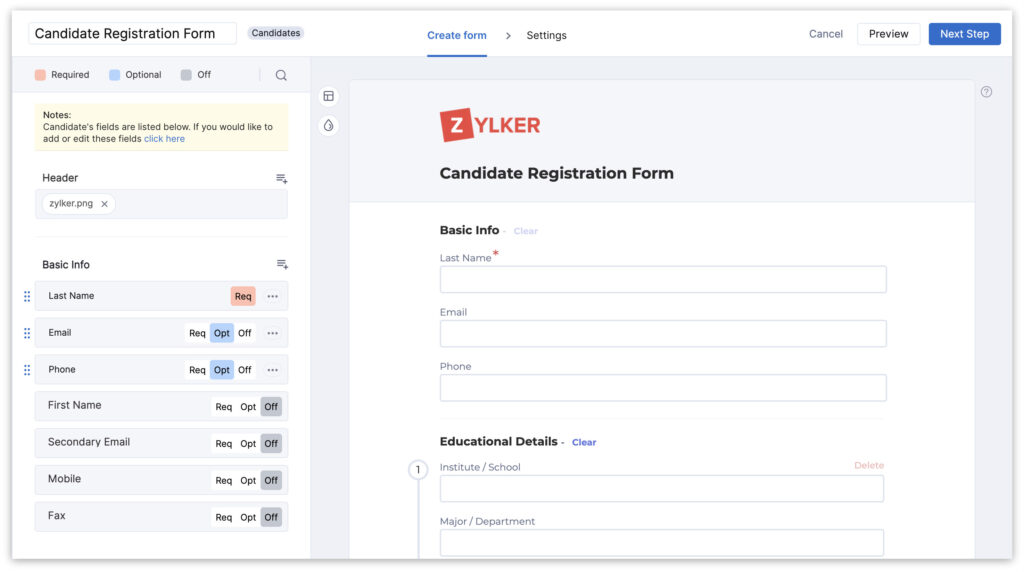
Zoho Recruit’s Webforms: a bridge between you and your website visitors.

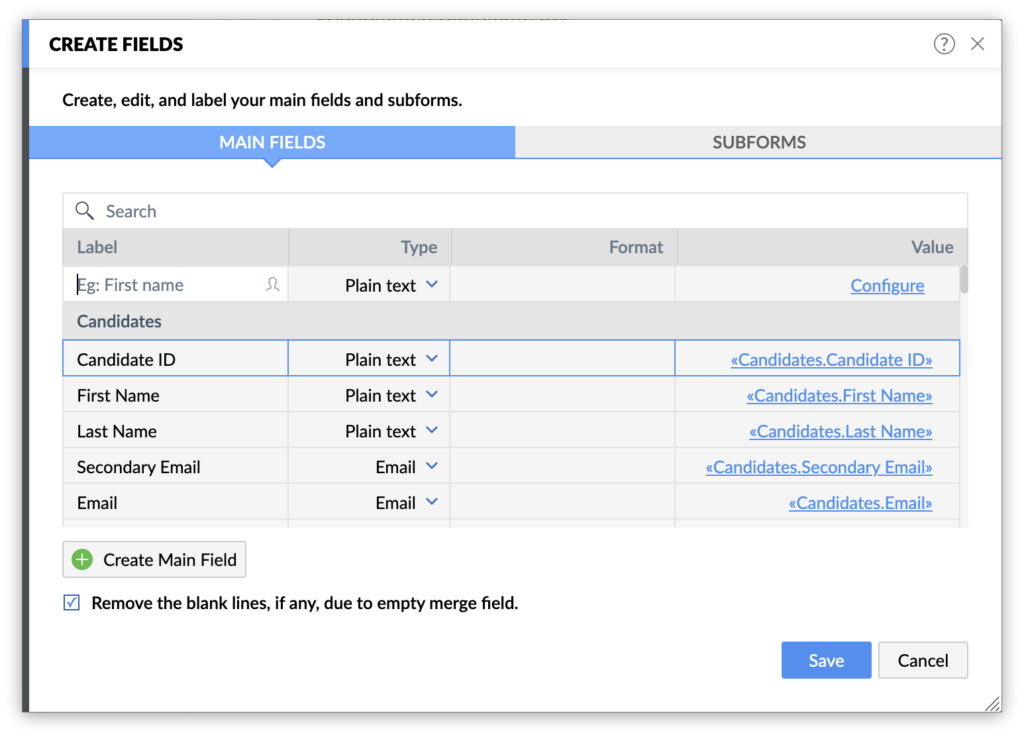
Overview  Web forms act as a bridge between you and your website visitors. Zoho Recruit’s Webforms makes it more accessible and understandable for the average user with our interactive form building system. This helps non-technical users design and publish their own web forms and automate the importing of data.  Creating a web form involves three

Zoho Recruit’s Webforms: a bridge between you and your website visitors. Read More »

GoToMeeting for Zoho Projects

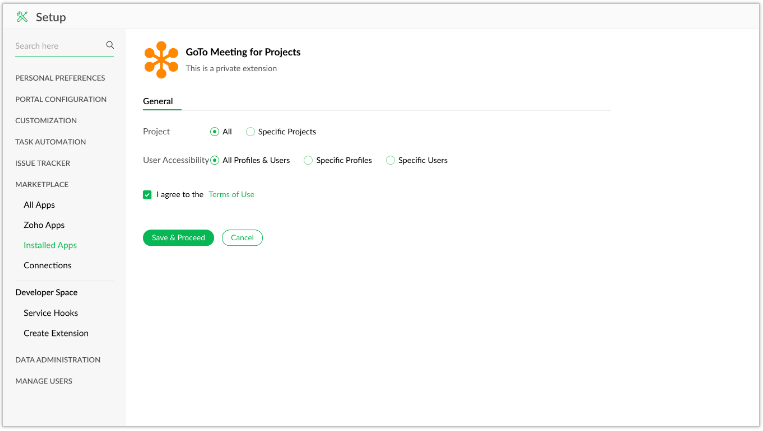
The GoToMeeting extension for Zoho Projects helps you schedule meetings from within your Zoho Projects account. You can also attend meetings scheduled by others. Installing the extension   Navigate to  > Marketplace > All. Search for GoToMeeting for Zoho Projects and click on it. Click Install. Agree to the terms of service and click Install. Under the General section, select the profiles, projects, and users you

GoToMeeting for Zoho Projects Read More »

Google Calendar for Zoho Projects

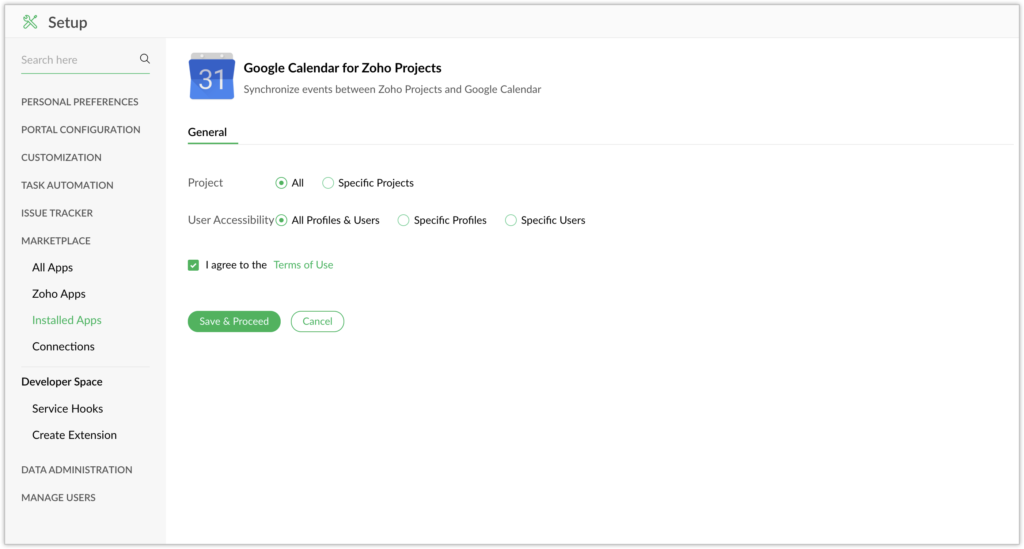
The Google Calendar extension for Zoho Projects lets you create events in Zoho Projects and sync them with your Google Calendar. You can now schedule, edit, or delete events in Google Calendar from Zoho Projects. This extension also lets you set reminders to notify owners about upcoming events. Installing the extension To install from Zoho Projects: Navigate to  > Marketplace > All. Search

Google Calendar for Zoho Projects Read More »